
VCL Screen Display Resolution Troubleshooting
Troubleshooting steps for VCL
VCL Screen Display Resolution Troubleshooting
After logging in and you want to change the resolution of the window please follow these steps:
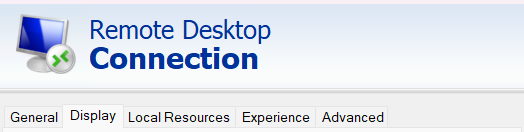
To change your resolution you have to open the .rdp file using Windows Remote Desktop Connection.
1. In your Start Menu or Search bar, search for "Remote Desktop Connection".
2. Open Remote Desktop Connection and click "Show Options" on the bottom left.
3. Click "Open" then navigate to and select your .rdp file download from the VCL Reservation.
4. Then at the top click the "Display" tab and select the resolution that you want. (Depending on your monitor 1920 x 1080 works best)
5. Finally, if you are satisfied with your selection, Click the "Connect" button at the bottom of the window.