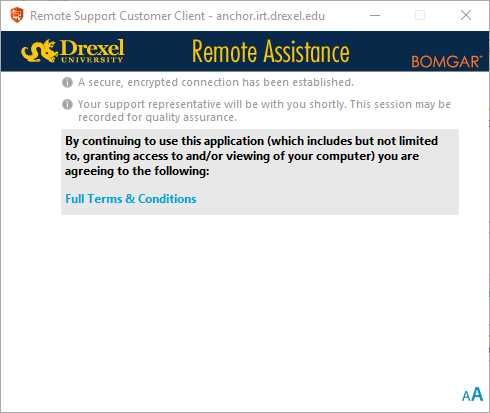
BeyondTrust Bomgar Setup For End User on Windows
How to join a Bomgar remote session for the end user on Windows.
- Click on the Bomgar link that you received via direct message or email which will open up a browser page.
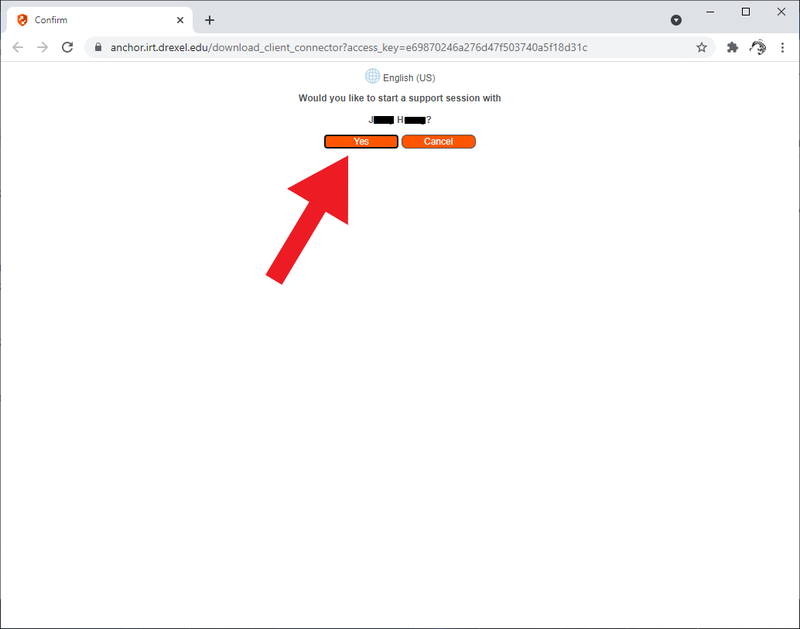
Bomgar join session link will look like this - https://anchor.irt.drexel.edu/?ak=4d*****d3 - Select "Yes" and it will automatically download the Bomgar application
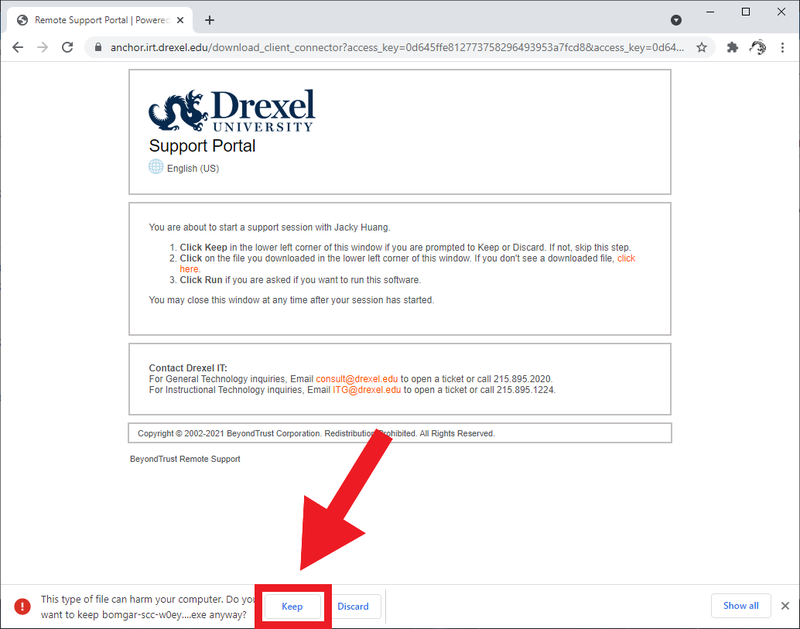
- Select "Keep"
- Double-click to run the Bomgar application and click "Yes" to any pop-ups asking to allow the application.

- Your Bomgar session will begin and we will be able to help you from here through screen-share.