
Zoom
Zoom allows video calls with good AI transcription capabilities.

What is Zoom?
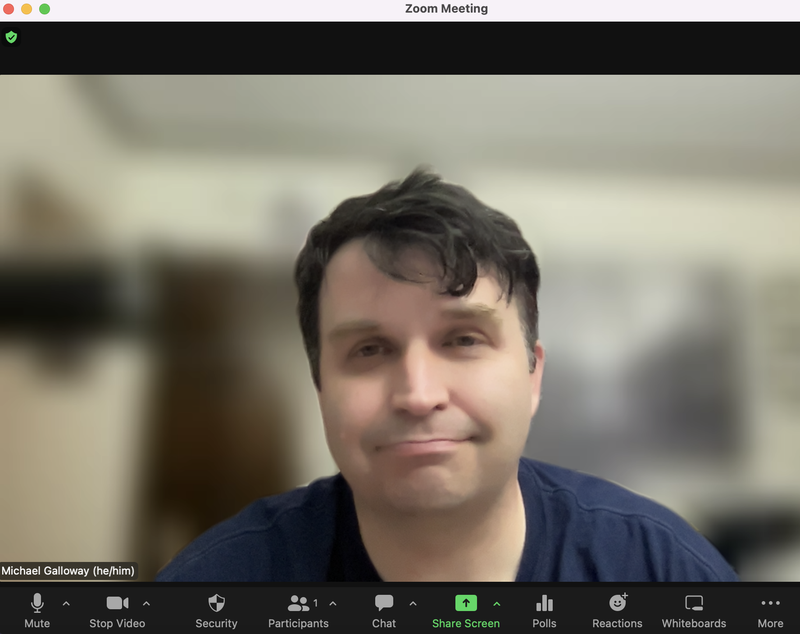
Zoom is the most popular virtual video conference system. Zoom, of course, lets you have use a camera and microphone built-in to or connected to your computer, or just lets you make a phone call by cellphone or landline, or lets you use the Zoom app on your Android or Pixel or iPhone, to have a meeting where you can see one another, hear one another, share what your computer or an app on your computer displays with someone else, or use a whiteboard. You can also record Zoom meetings, including recording just yourself to make pre-recorded lectures. Zoom cloud recordings using your Drexel Zoom Pro account are automatically backed up to Kaltura Drexel Streams, where they can be lightly edited, and every easily shared with others and/or added to Bb Learn course sections (but stay private and hidden until you take action).
How do I get access?
As long as you have an official Drexel userid and password, you have access to a Drexel Zoom Pro account. Visit https://drexel.zoom.us (NOT just zoom.us). It’s very important that you use your Drexel Pro Zoom account rather than your personal Zoom account. On the Zoom application or program installed on your computer, laptop, or device, use the SSO or Single Sign-On option to sign in, and enter drexel in front or .zoom.us , if prompted to do so. Non-Drexel guest presenters or lecturers need to sign a photo-video release.
Where is documentation?
Documentation on Zoom can be found at Zoom
Reach out to ihelp@drexel.edu if you have other questions.