
Echo360
Echo360 provides class recordings for many classes at 3675 Market.
What is Echo360?
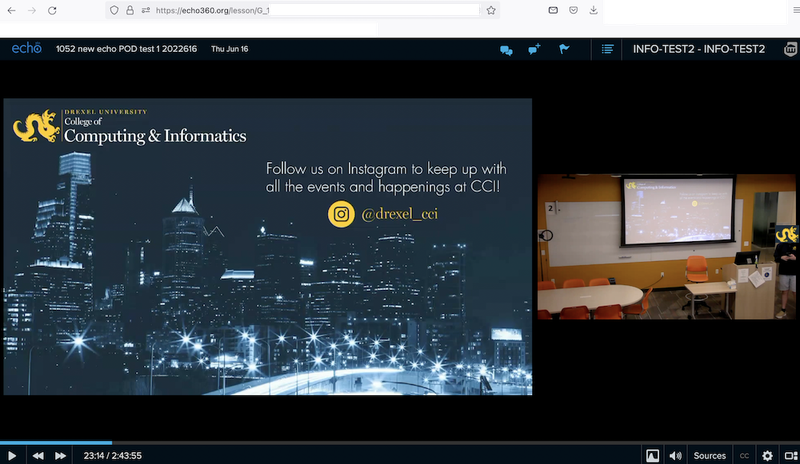
Echo360 is the paid service used at Drexel SCIS to record and live stream lectures in our SCIS on-campus classrooms at 3675 Market. Each classroom has an echo360 DVR that can record and/or live stream audio from the room, video from the room, and video of the podium computer or a laptop or other device properly connected to the podium. Live streams are one-way: the presenter is seen and heard, but participants cannot be seen or heard by the presenter. echo360 does not interfere with Zoom or Bb Collaborate Ultra. Instructors do not need to do anything except alert their students that the lecture is being recorded or live-streamed. Drexel SCIS techs handle the set-up. Lecture recordings are linked to in Bb Learn course sections. These lecture recordings should not be re-used in future quarters without editing out all student interaction. Lecture recordings can be downloaded for editing. One-time events in SCIS Classrooms can also be recorded, such as faculty candidate talks, or guest lectures.
How do I get access?
Any instructor teaching an on-campus class will by default have their lectures recorded and a link added to their Bb Learn course section. Instructors are also alerted to this by an email in the week or two before classes start.
Online & on-campus sections that share a Bb Learn section are live-streamed by default.
All recordings are monitored at the start for sound and video issues.
For issues with echo360, email ihelp@drexel.edu
For one-time event recordings, request a recording when submitting the SCIS Event Request Form at https://drexel.edu/cci/current-students/event-request-form/ .
Non-Drexel guest presenters or lecturers need to sign a photo-video release at https://drexel.edu/~/media/Files/ucomm/PhotoVideoRelease7162015.ashx?la=en
Where is documentation?
Documentation for Echo360 is available at Echo360