
Kaltura (Drexel Streams)
Kaltura, also known as Drexel Streams, is Drexel's video repository

What is Kaltura?
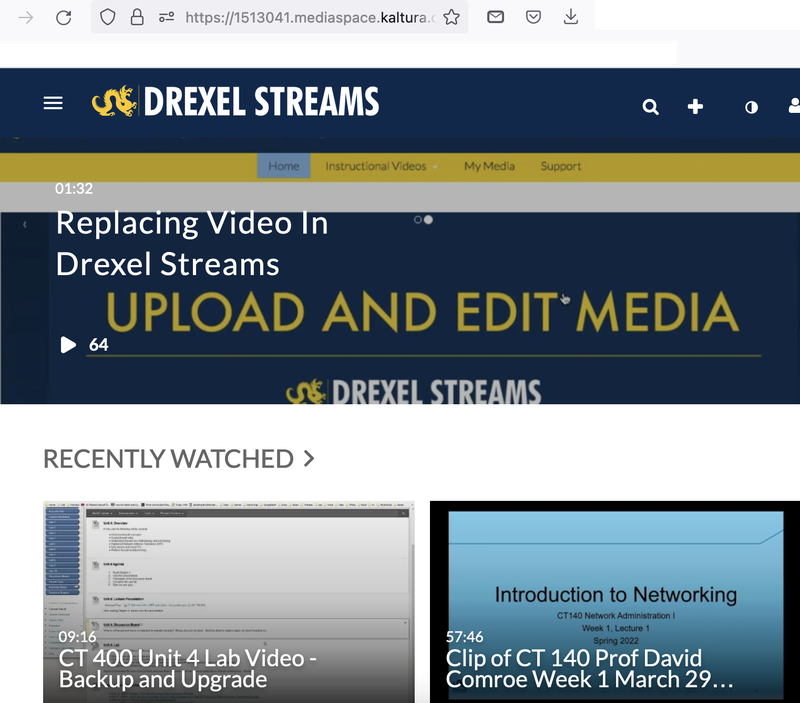
Kaltura, also called Drexel Streams, is the official and recommended video and media repository for Drexel University. It has some limited built-in editing features, as well as an ability to enhance videos with quizzes and auto-captioning (not ADA-compliant, but very decent). Drexel Zoom Pro cloud recordings are automatically backed up here, and any video on Drexel Streams can be easily added to any Bb Learn course section. You can upload video to Drexel Streams using the Kaltura Media tool in a content area, which will add it to the Bb Learn course section and your “My Media” area in Drexel Streams in a single go.
How do I get access?
Anyone with Drexel online account has access to Kaltura (Drexel Streams) either at the Drexel Streams website or from within Bb Learn. How specifically to access and use Kaltura or Drexel Streams, as well as how to upload video manually, is covered at the documentation link below.
Where is documentation?
Documentation on Kaltura (Drexel Streams) can be found at Kaltura Drexel Streams