
Outlook -- Focused Inbox vs Other Inbox
Instructions about focused inbox
Introduction
The "Focused Inbox" option in Office 365 or Outlook 2016 moves low priority emails into an "Other" section of your "Inbox" for later viewing.
Here are training and other tips for using "Focused Inbox."
Always Move a Message to Focused Inbox
Right-click a message in the "Other" tab, and select "Always Move to Focused."
You may need to do this a few times with a few different messages over a few days.
Two example images below.
Outlook 2016 in Windows 10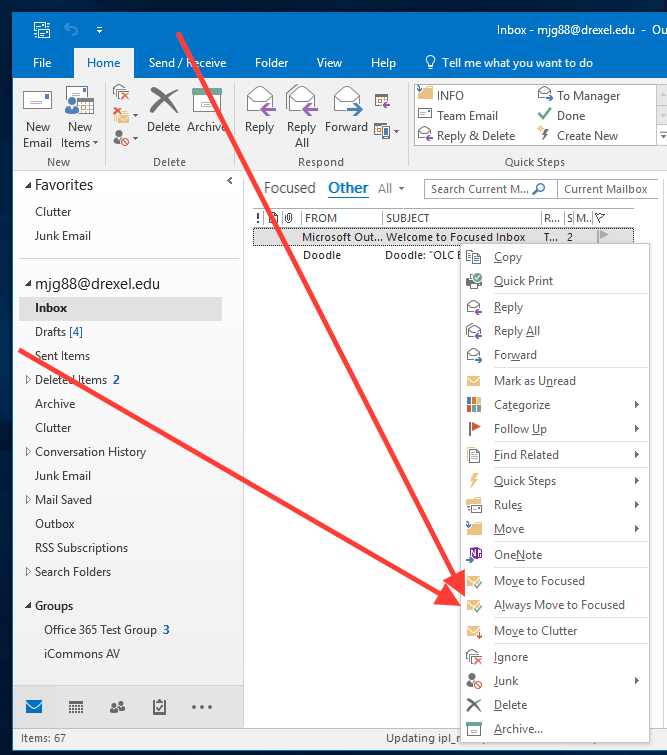
Outlook in Office 365 in an internet browser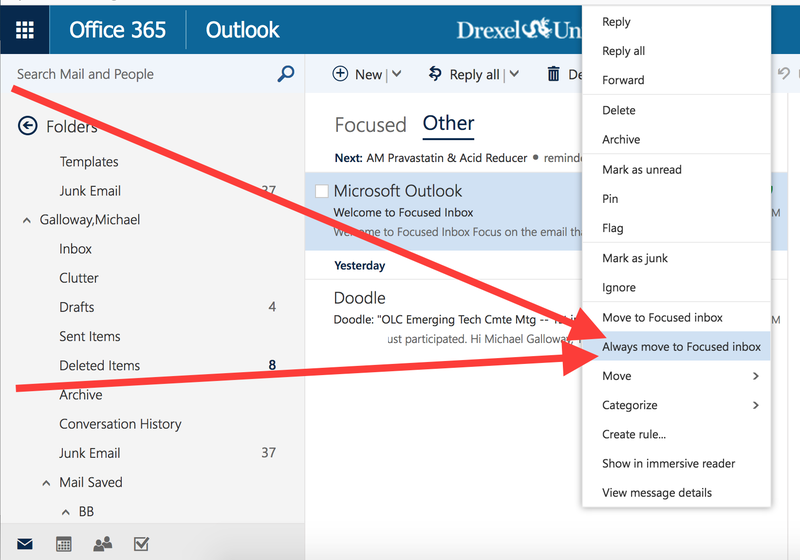
More tips soon!