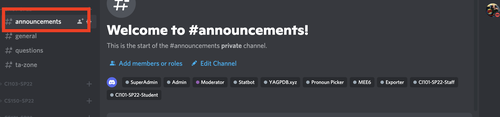
How to Find Course Categories
This article directs students to their course category once they have successfully joined the SCIS Discord Server
1. If you are looking for a Discord course category you must first join the "SCIS @ Drexel University" Discord Server
Please see this page if you have not joined the SCIS server
2. Once you have joined the SCIS server, open Discord and look for the yellow icon in your list of servers.
If you do not see that icon, you have not yet joined our server. See this page for troubleshooting options if the server is not in your server list after you tried to join
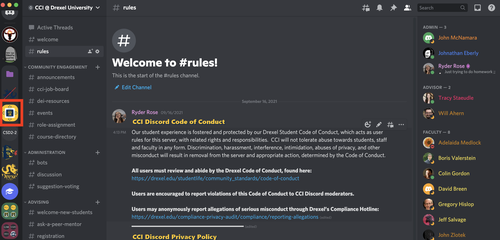
3. If you see the SCIS server icon, click on it to make sure you are looking at the SCIS Discord server
4. Directly to the right of the list of servers is the category and channel list
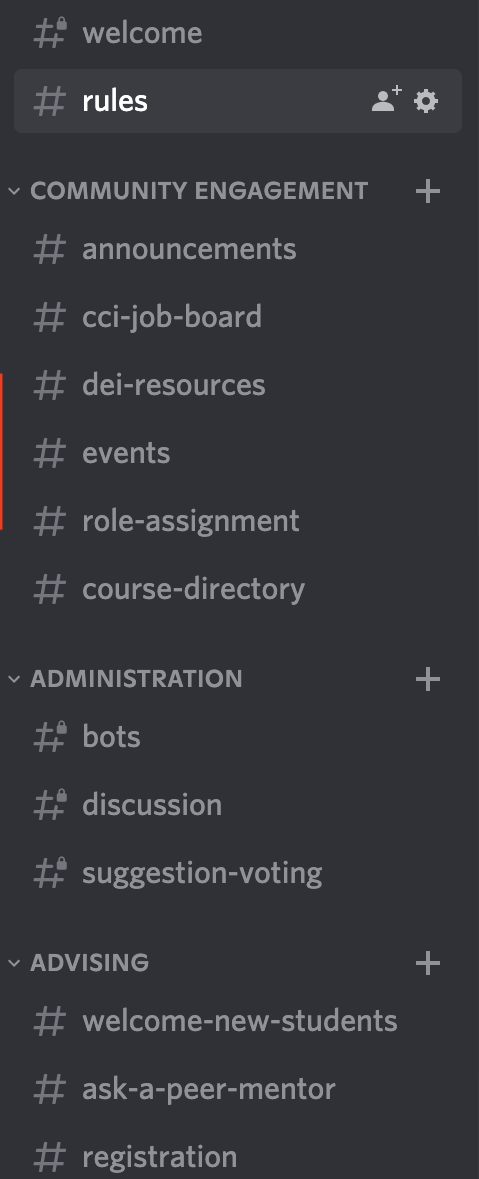
Categories are buckets that are denoted with an arrow next to the name. You can click on the category name to "collapse" it which hides the channels inside of it. To expand a category, click on the category name again
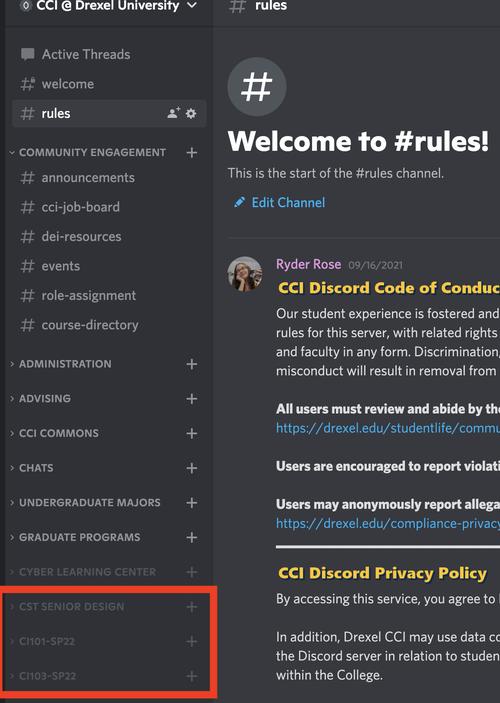
5. If you scroll through the list, at the very bottom you will see all available courses below the "#Cyber Learning Center" category
If you do not see your course category listed, go to the channel labeled "#course-directory" to see if your course has a category, see this page to find out how to gain access to your courses
6. Click on any of the channels inside the category to view or send messages in it