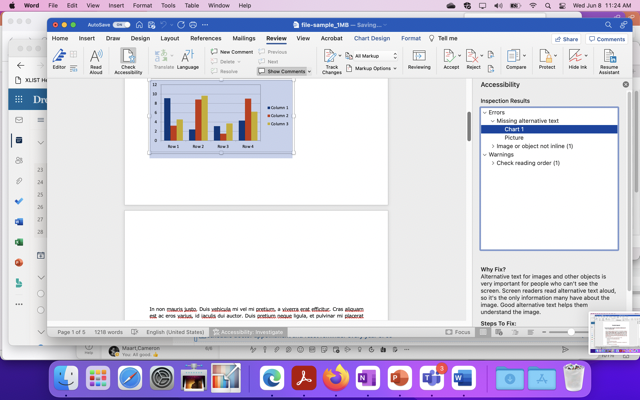
Word Accessibility Review
Accessibility to Word
Follow these instructions for accessibility to Word:
- Open the word document
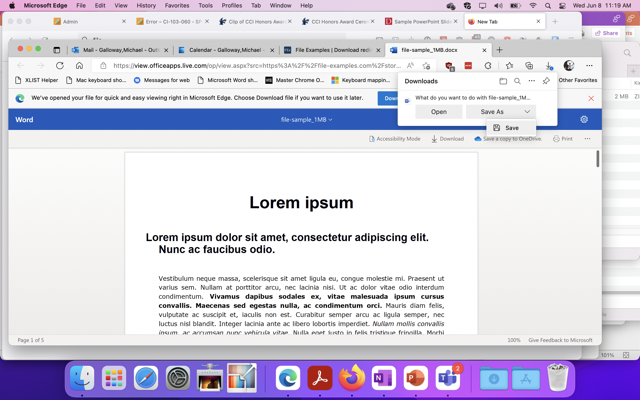
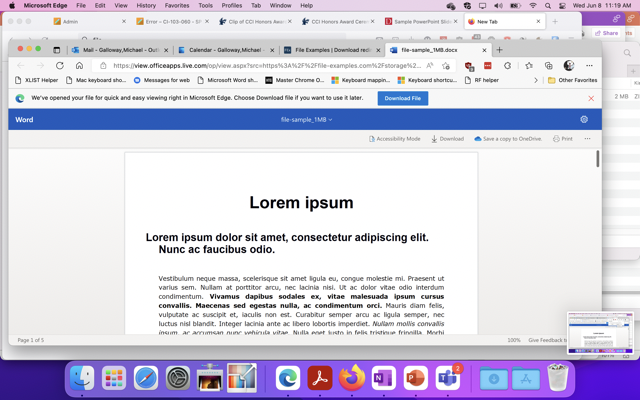
2. Download the file
3. Select "Review"
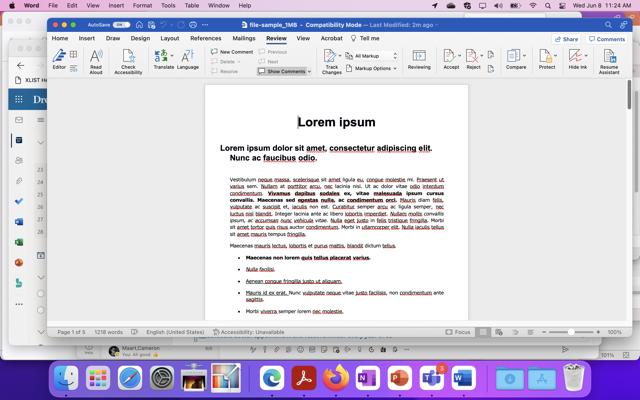
4. Select "Check accessibility". It shows if the document can be scanned using the accessibility checker or not.
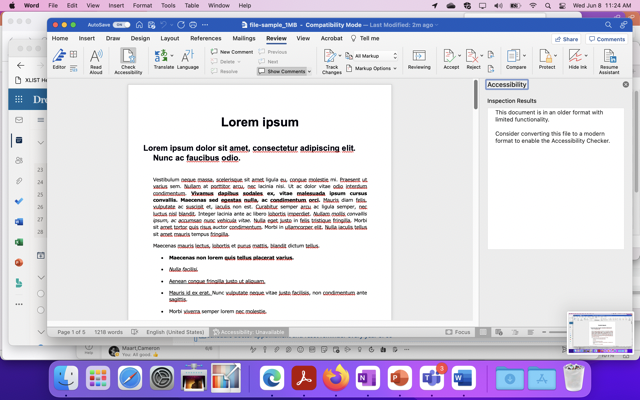
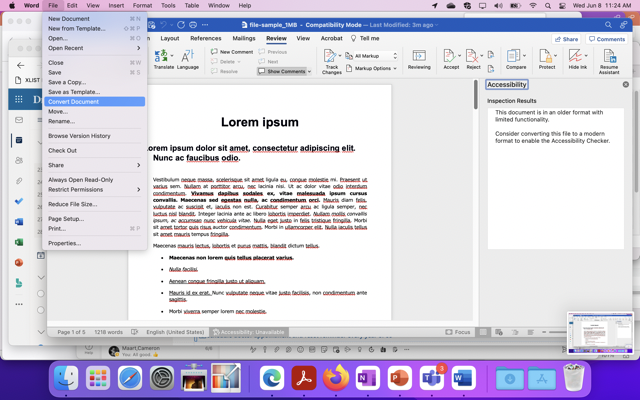
5. If the document cannot be scanned it will give you the. option of converting the document. The "convert document" function can be found in files.
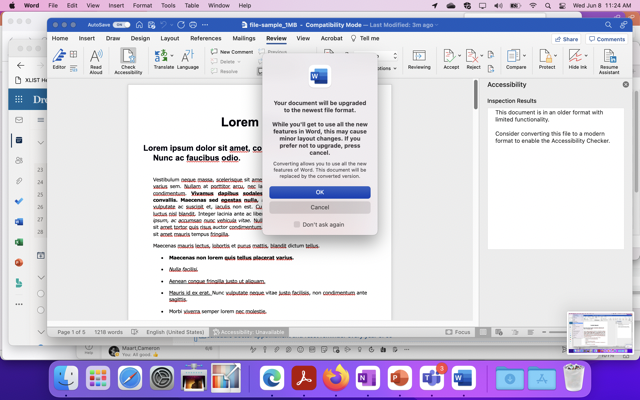
6. Select "Ok"
7. This will highlight the inspect and highlight the errors in your document.
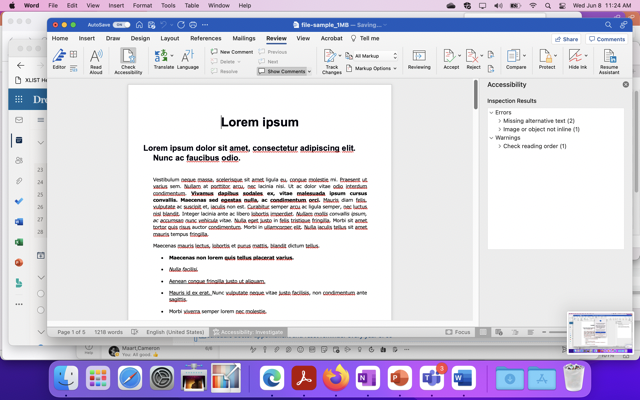
8.You can then makes changes and adjust the document accordingly.