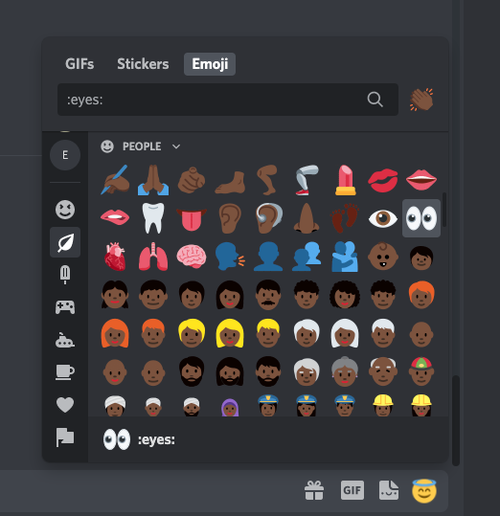
How to Use Inclusive Emoji in Discord
This is about how to use the inclusive emoji in Discord
1. Click on the emoji icon on the far-right of the text box

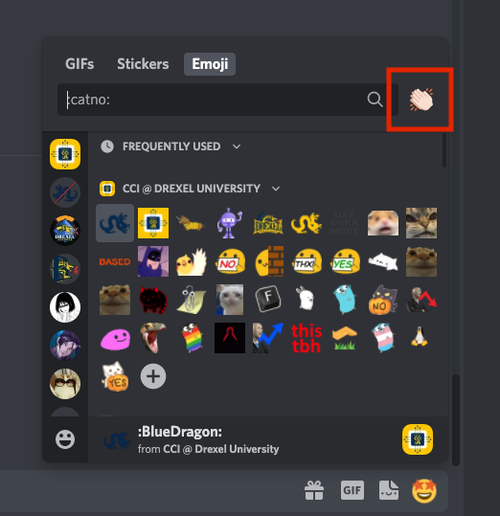
2. Click on the clapping hand in the upper right of the emoji pop-up
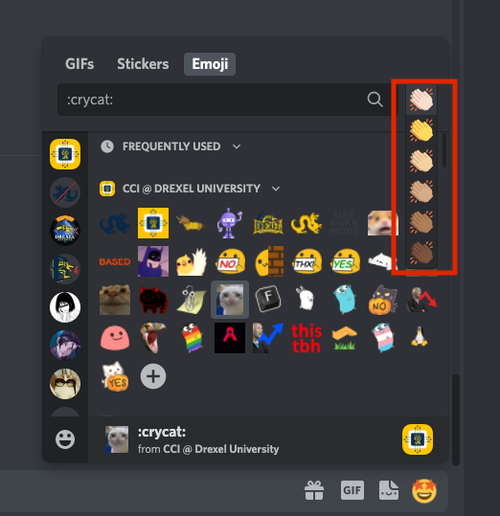
3. A drop down of the emoji will appear
4. Go to the default people emoji category to see the emoji