Zoom -- Get Meeting ID and Quality Stats during Meeting
Instructions on how to get Meeting ID
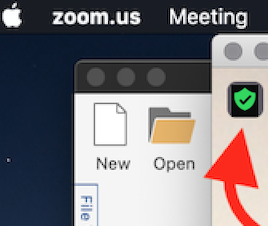
If you need the Meeting ID during a Zoom meeting, click the "Shield" icon.
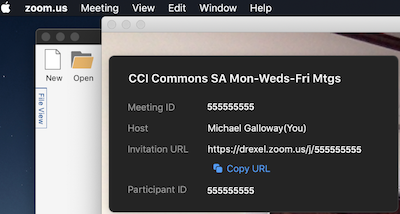
After you click the "Shield" icon, you'll see the Meeting ID & Meeting link.
Anyone with the Meeting ID can click "Join Meeting" in the Zoom application on Mac, Windows, or a mobile device, and enter the ID, and join Zoom meeting.
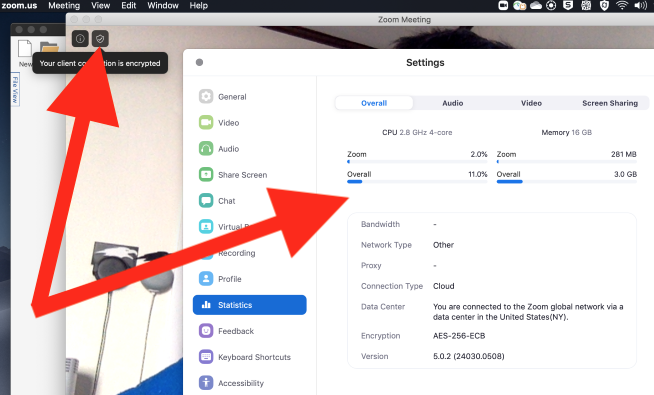
After you click the green "Shield" icon, you can see stats on the current meeting's use of resources and audio and video use.